OEE Flow View Tool

Play the video

The Edge Picture Company (agency)Explainer2024

An internal tool explained to the people who will use it on the floor.

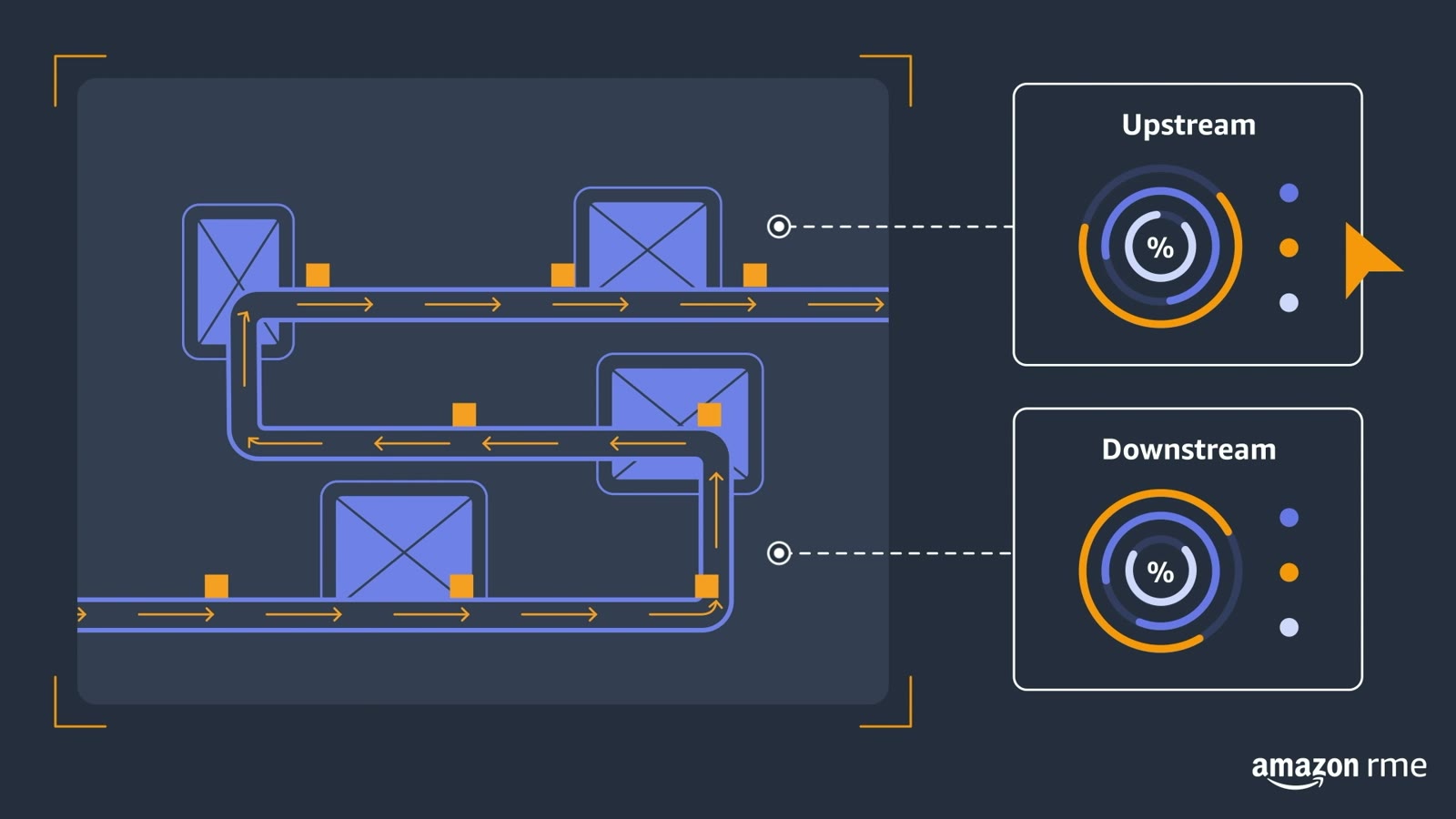
Line animation and a plain-English script that show what the tool does on the floor, from a jam detected on the line to the numbers before and after.

The making of OEE Flow View Tool

Video stills

A frame from the film: a line-drawn warehouse worker in a hard hat scratches their head beside a conveyor, with an orange warning triangle at one end of the line and a question mark above them.
A frame from the film: two monitors on stands beside the conveyor, linked by dotted lines to a settings panel with warehouse and date range dropdown menus, a line chart and a bar chart.
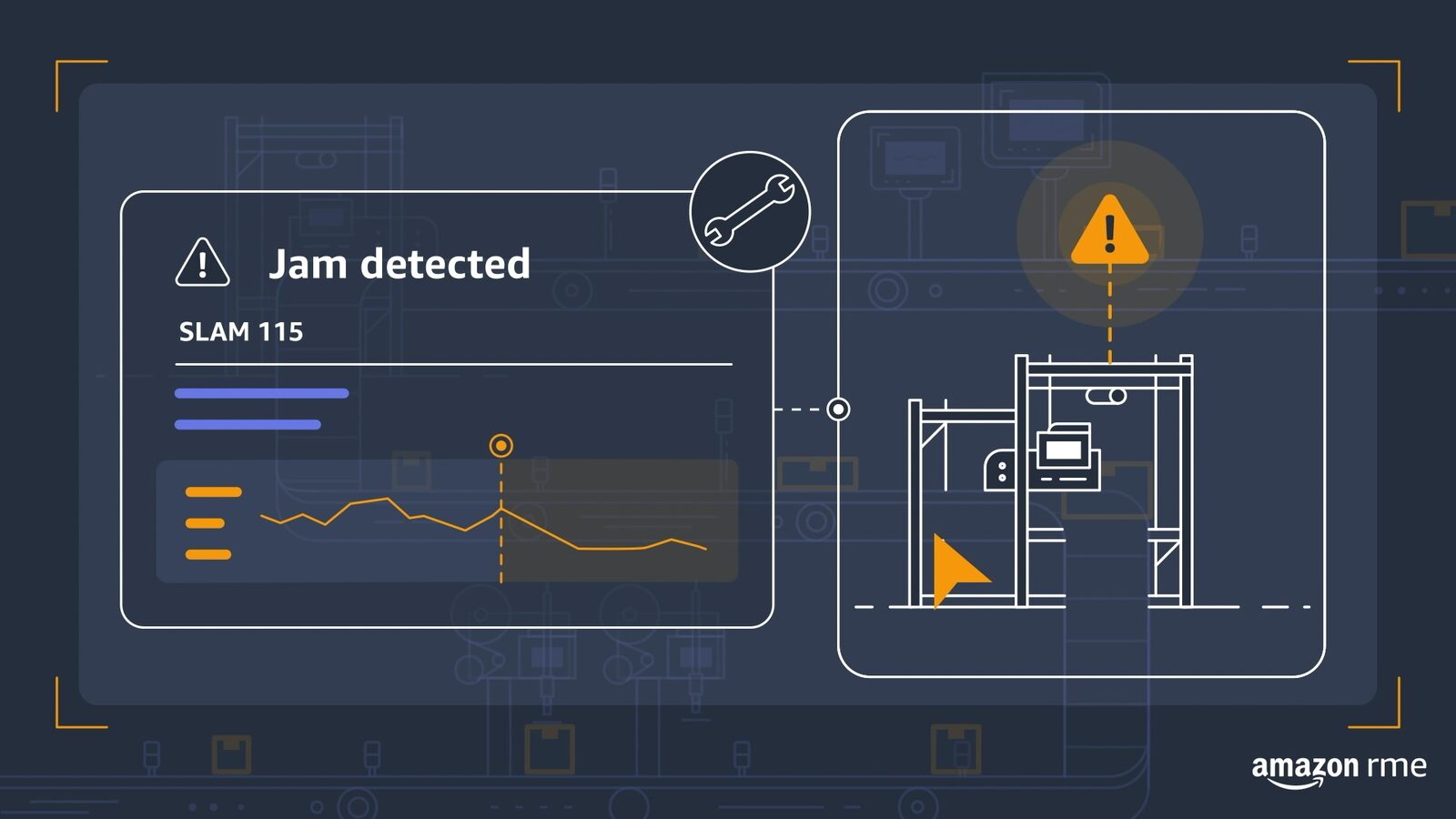
A frame from the film: a Jam detected alert panel for station SLAM 115 with a small line graph, linked by a dotted line to a drawing of the jammed machine with an orange warning triangle above it.
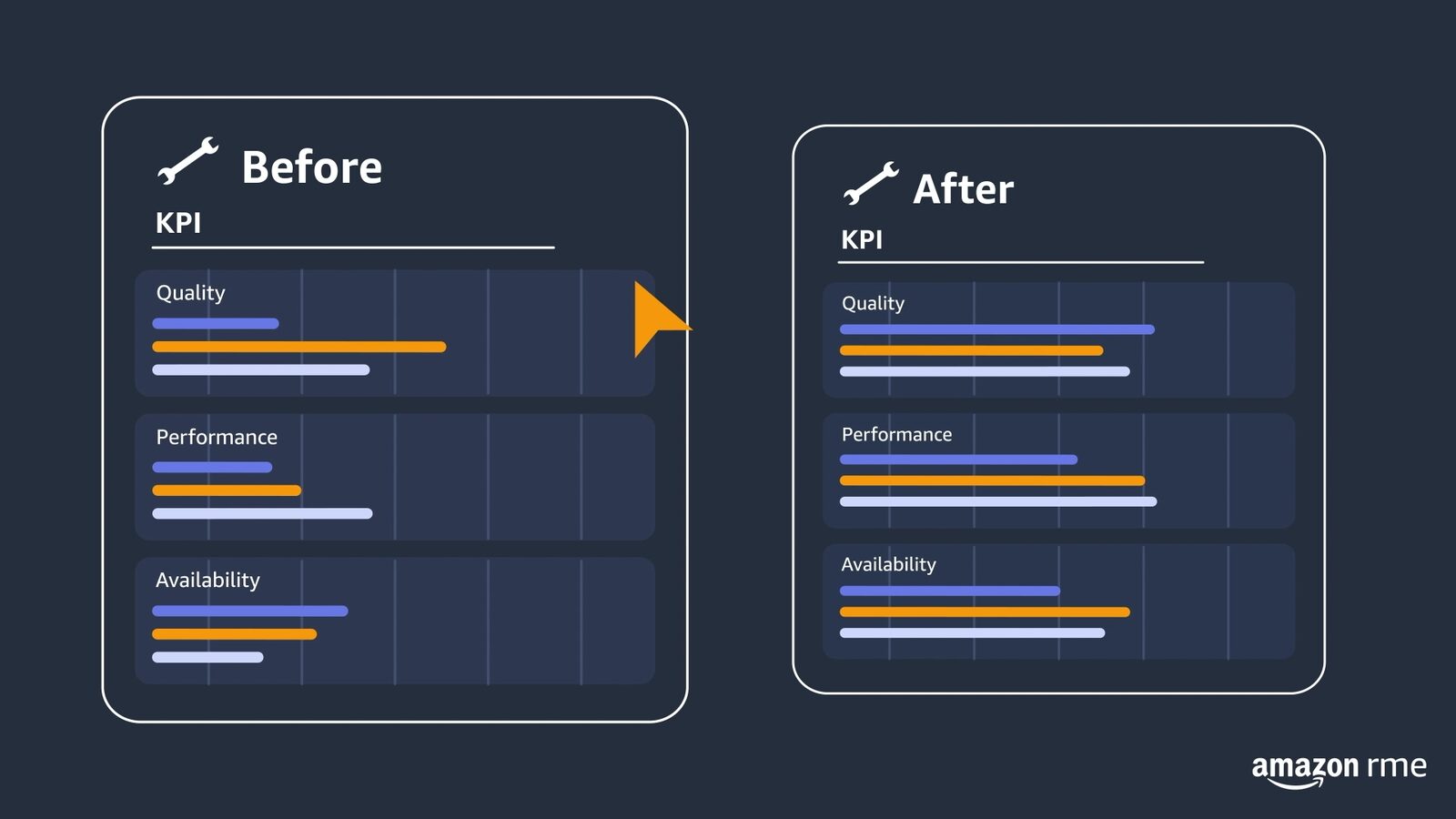
A frame from the film: two panels headed Before and After, each listing quality, performance and availability as orange and violet bars, with a cursor arrow on the Before panel.
A frame from the film: a worker in a hard hat, seen from behind, surrounded by floating dashboard windows with charts and gauges, set inside concentric circles.
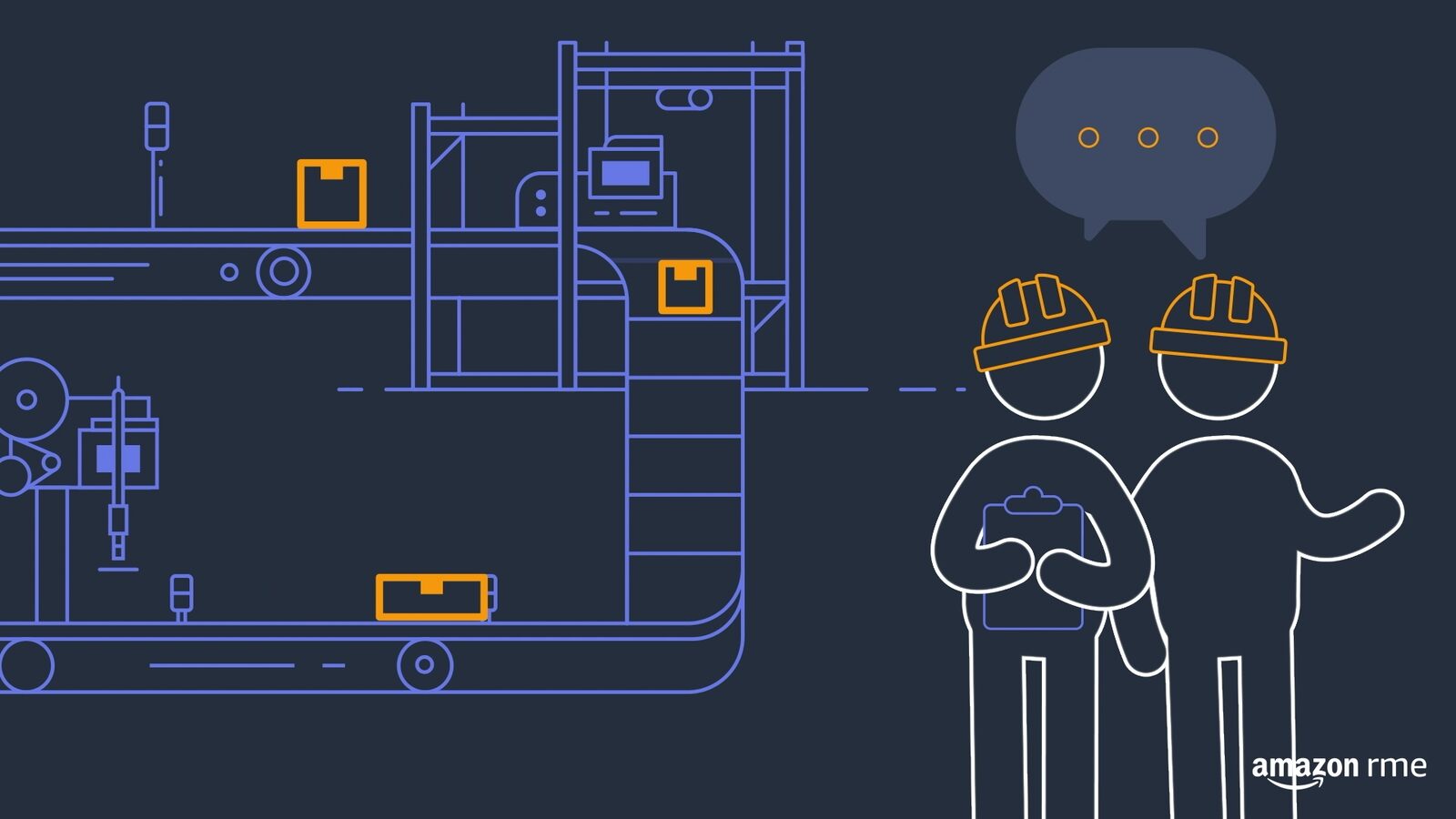
A frame from the film: two line-drawn workers in hard hats stand together by the conveyor, one holding a clipboard, with a speech bubble above them.

Next project: Reframing Health, Wellbeing and SafetyThe Edge Picture Company (agency)Brand film2023

OEE Flow View Tool2024